Over time, torrenting has undergone significant change. It used to require juggling multiple programs, looking for magnet links, and hoping the download would begin. It feels more seamless today. much more seamless.
The entire process has been subtly made simpler by browser extensions. Installing one makes Chrome a potent portal for finding, controlling, and starting torrents without the typical hassle.
However, not all extensions are worthy of being installed in your browser. Some people hardly work at all. Others overcrowd your screen with confusing menus or advertisements.
The good ones are not the same. They are time-saving. They arrange downloads. Additionally, they can occasionally make torrenting seem surprisingly simple. These 10 Chrome add-ons are frequently used by Windows users.
#1 JSTorrent Helper Extension
Minimal but practical
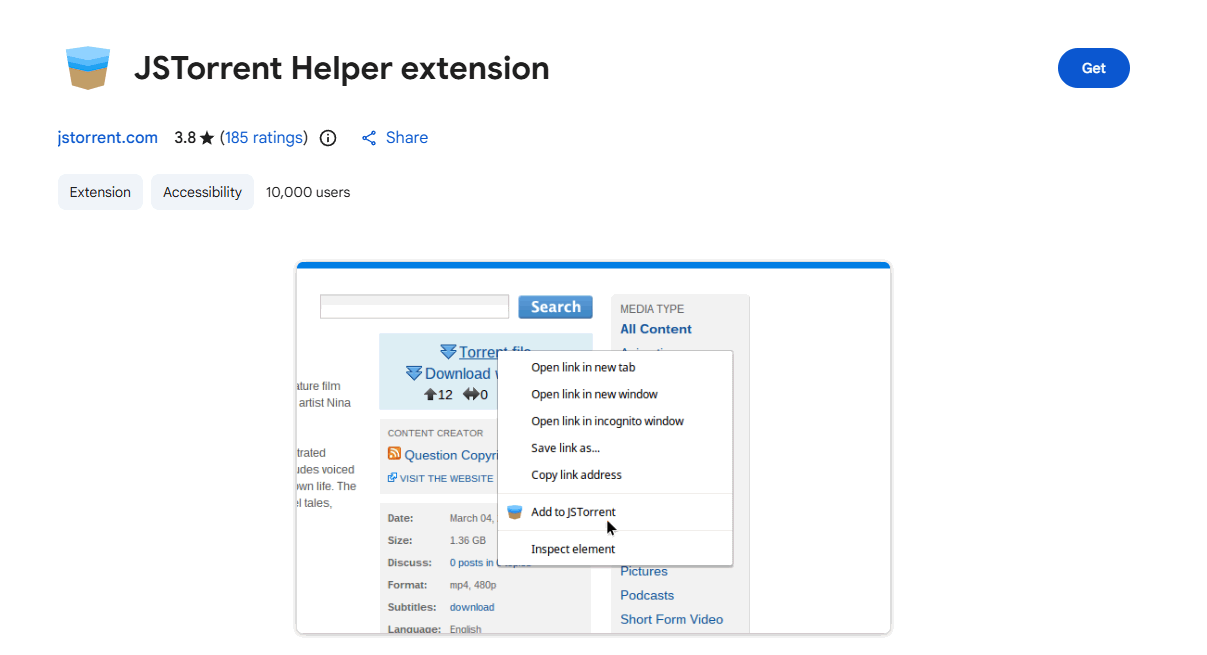
By serving as a bridge between your browser and the JSTorrent torrent client, the JSTorrent Helper Extension enables magnet links to open instantly without the need for additional steps or manual copying. Once installed, torrents start downloading with just one click, which is incredibly effective when switching between different files. Here, speed is important. A lot.
While handling magnet links in the background and making sure they launch straight into the JSTorrent environment, the extension is lightweight and doesn’t overcrowd your Chrome interface with extraneous buttons or distractions. This tool just makes using JSTorrent easier if you already use it.
#2 uTorrent | Torrent UI Sender
Small tool. Huge convenience.
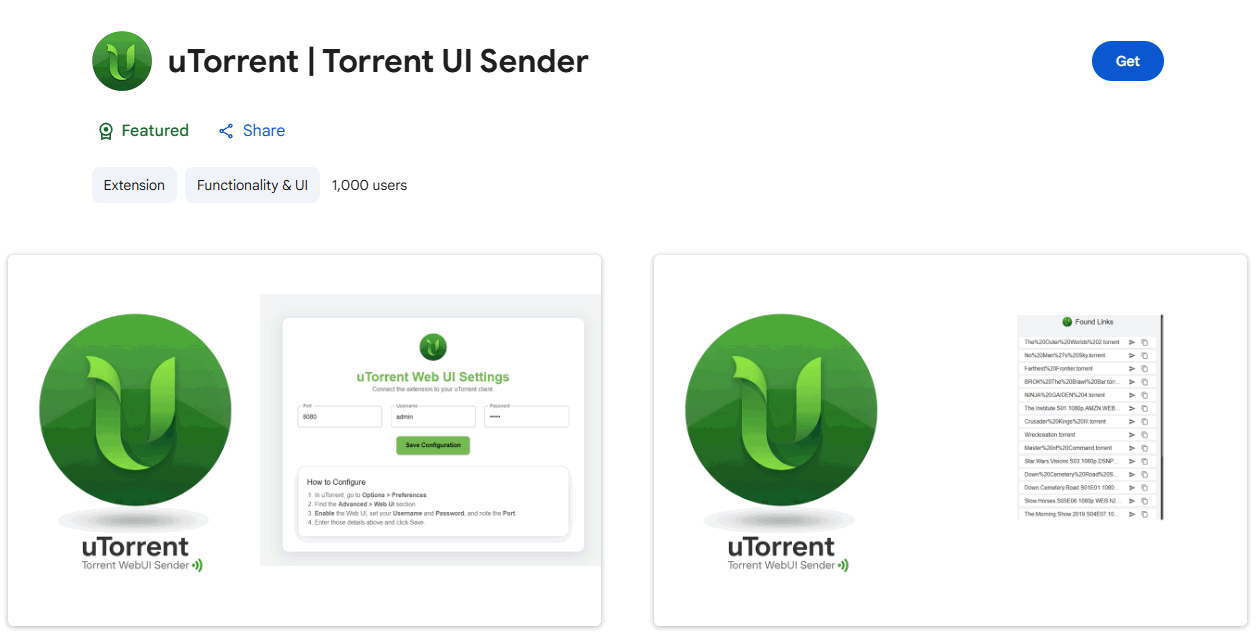
With uTorrent, you can control your torrent downloads straight from Chrome while your desktop client operates in the background. You can pause downloads, monitor progress, and add new magnet links directly from the extension panel, eliminating the need to switch between browser and torrent software. Everything remains visible.
Because of the interface’s surprising cleanliness, managing files or keeping an eye on download speeds feels more natural than technical. Additionally, that convenience quickly becomes addictive for users who are juggling multiple downloads.
#3 BitTorrent Web Extension
Fast, responsive, and reliable
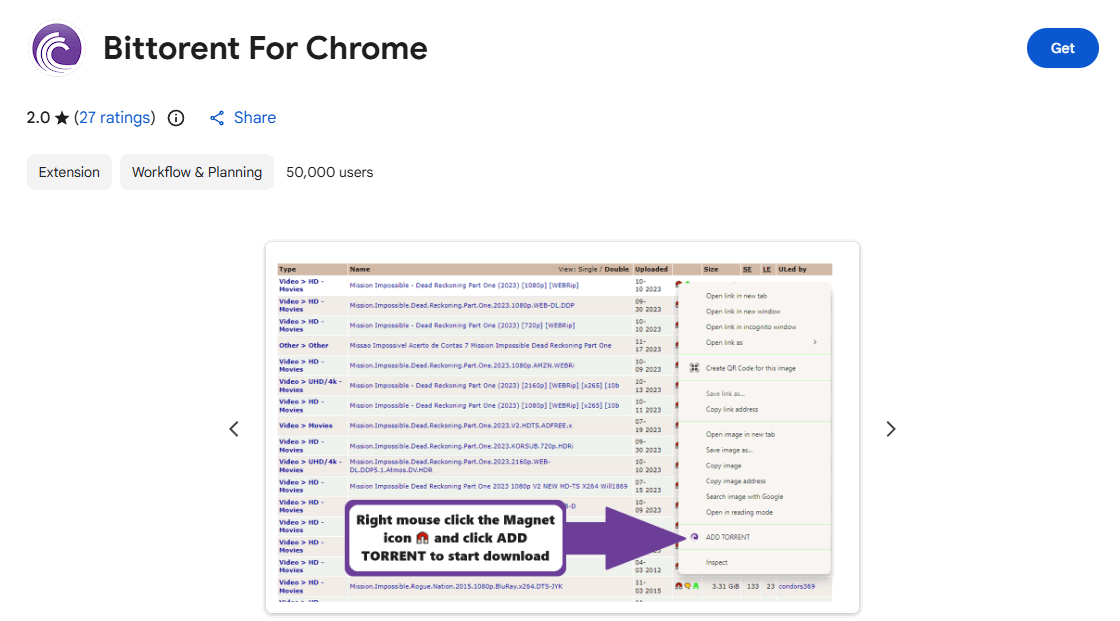
The official BitTorrent extension adopts a somewhat different strategy. Accessibility is given top priority.
By integrating with the BitTorrent Web client, the BitTorrent Web Extension enables Chrome users to start magnet downloads right away. More intriguingly, it allows you to stream media while torrents download, so you don’t always have to wait for the entire file to finish. That is revolutionary.
The experience of watching video files while they download is strikingly similar to streaming services, and this change has a significant impact on how many people view torrent content nowadays.
#4 WebTorrent Desktop Companion
Simple yet a clever idea
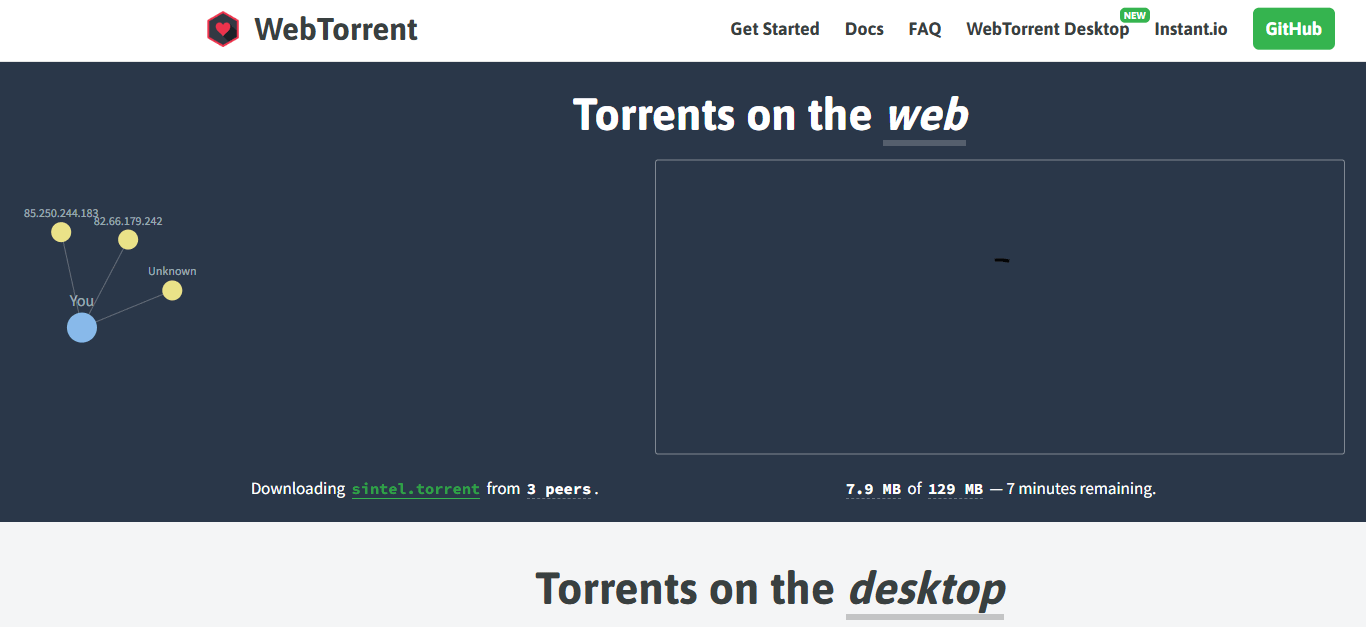
By connecting Chrome and WebTorrent Desktop, the WebTorrent Desktop Companion extension enables users to stream video torrents without the usual download delays. Rather than waiting for the entire file to finish, playback starts almost instantly while the remaining portion downloads silently in the background. It has a contemporary vibe.
Because files don’t always need to stay on your system after you’ve finished watching, this method saves time and storage space for users who primarily download movies or TV shows.
#5 Torrent Safe
A torrent guide
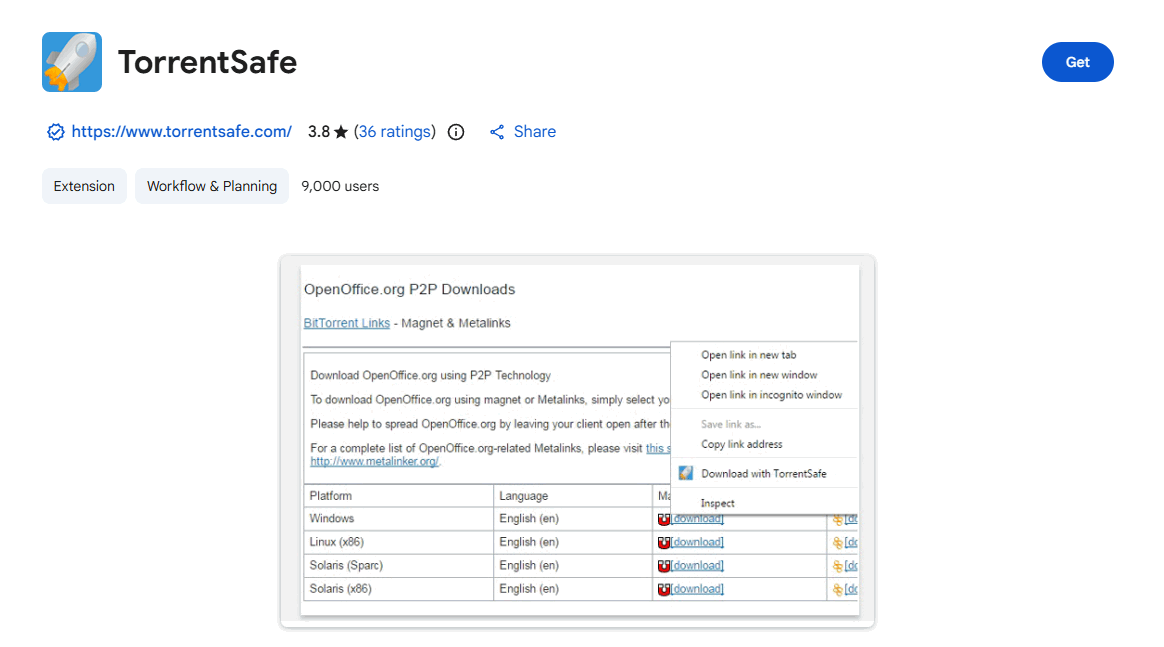
By scanning torrent pages and highlighting files with strong seeder numbers, improved health indicators, and consistent activity levels, the TorrentSafe extension resolves that issue. You can immediately see which torrents have the best chances of downloading quickly, saving you the trouble of speculating about which might work. It resembles a filter almost exactly.
Additionally, even though it doesn’t download torrents directly, it significantly enhances decision-making, particularly on websites where thousands of torrents vie for users’ attention.
#6 Torrent Search Engine
Efficient
It requires patience to search through several torrent sites. That headache is eliminated by this extension. Within Chrome, the Torrent Search Engine compiles results from multiple torrent sites and presents them in a single, simplified interface. Users can search once and browse a combined list of torrents from various sources rather than manually visiting each site. Everything shows up in one location.
Additionally, the extension provides quick comparisons before clicking any magnet link by highlighting important metrics like seeders and file size.
#7 Magnet Linker
A huge quality-of-life improvement.
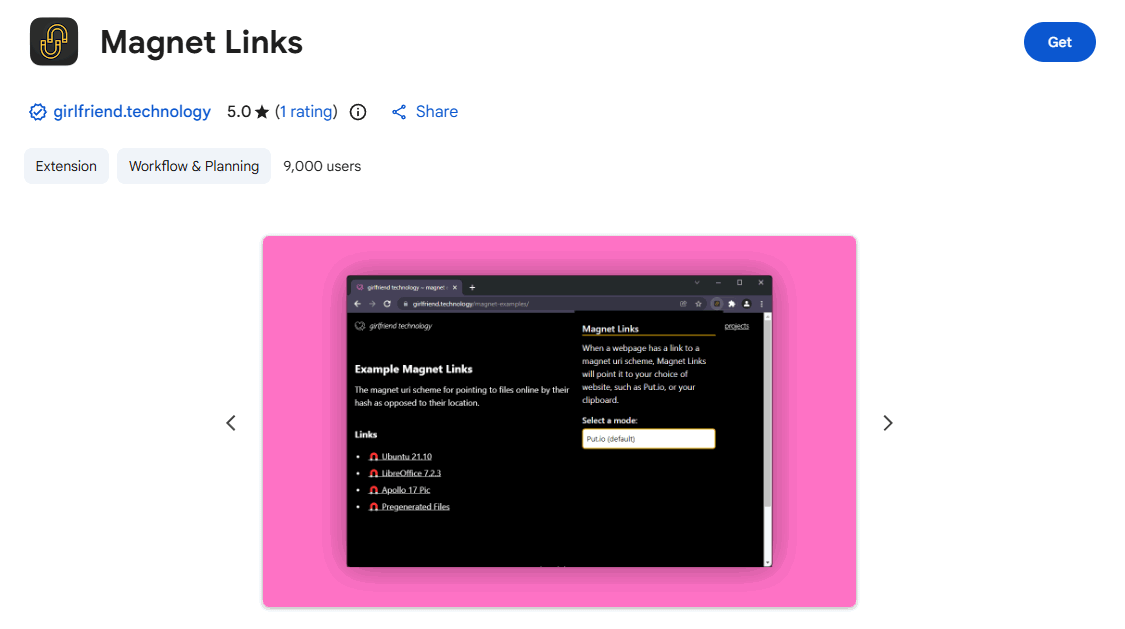
Magnet links ought to open right away. However, occasionally they don’t.
By making Chrome automatically identify and reroute magnet links to your preferred torrent client, the Magnet Linker extension resolves that issue. Without it, some browsers have trouble correctly identifying magnet protocols, which makes copying and pasting tedious. That is not enjoyable for anyone.
Magnet links work just as they should after installation: all it takes is one click to launch your torrent program.
#8 Bitford Chrome Extension
Simple and Effective
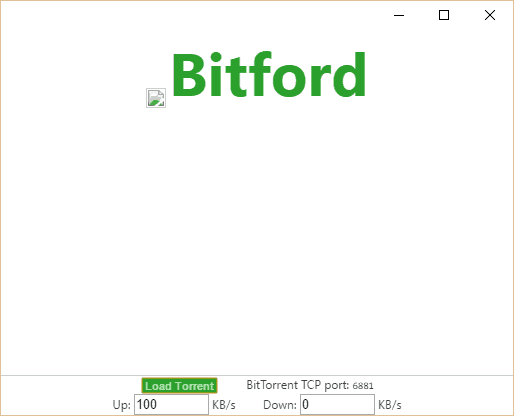
Because the Bitford Chrome Extension functions as a browser-based torrent client, you don’t need to install any additional desktop software in order to download torrents. This method feels surprisingly straightforward for users who prefer quick downloads or minimal setups. No need for an outside client.
Large downloads, however, can cause Chrome to lag a little because everything operates within the browser environment. However, Bitford provides a handy substitute for sporadic torrents or smaller files.
#9 The Pirate Bay Torrent Search
Great for Overview torrent sites
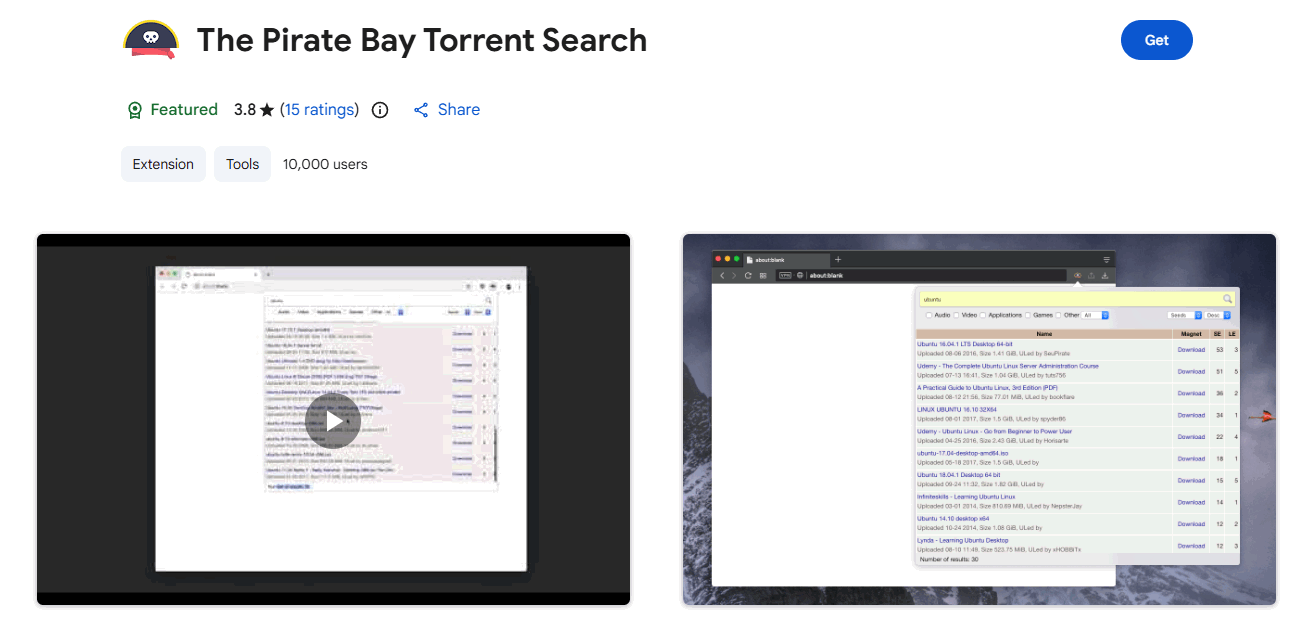
The Pirate Bay Torrent compiles torrent results from the popular live proxybay mirror. You can swiftly view the most pertinent files based on keywords rather than having to manually browse torrent websites. The outcomes show up right away.
More significantly, the extension helps users assess torrents before starting downloads by highlighting important metrics like seeders, leechers, and file size.
#10 Seedr Extension
Different Approach
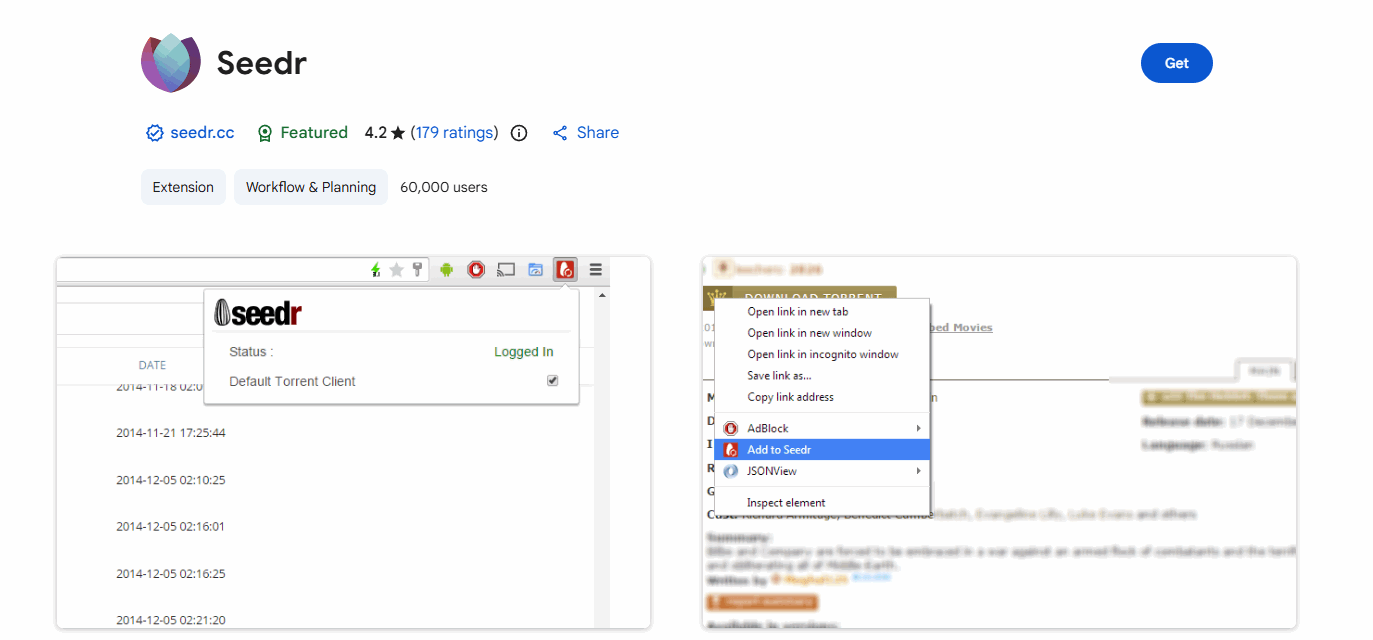
With the Seedr Chrome Extension, users can send torrent files straight to the Seedr cloud service, where they are downloaded remotely before being sent to their device. This implies that torrents don’t require your computer to stay online for extended periods of time.
The file can be downloaded directly or streamed from your browser after the torrent has completed downloading in the cloud.
Choosing the Right Torrent Extension
Not every user is a good fit for every extension. Preferences are important. Some individuals desire strict control over their torrent users. Others favor cloud-based or streaming solutions that completely eliminate complexity. Your torrenting strategy will determine which extension is best.
- Speed
A significant factor in the torrent experience is speed. Magnet links can be launched instantly and downloads can begin immediately with extensions that integrate directly with torrent clients. This keeps everything running smoothly and minimizes the number of manual steps. More efficient downloading is a result of quicker magnet handling, improved seeder detection, and faster connections.
- Convenience
Whether a torrent extension is helpful or annoying is often determined by its convenience. While some tools send magnet links straight to your client or cloud downloader, others let you search multiple torrent platforms simultaneously. These extensions make finding and downloading torrents much simpler with fewer tabs, clicks, and workflows.
- Security
When downloading torrents, safety should always come first. By showing seeder counts, torrent health indicators, and user reviews, some extensions make it simpler to steer clear of corrupt or questionable files. These tiny cues can cut down on time wastage and lower the chance of downloading dubious or dangerous content.
Conclusion
It is no longer necessary for torrenting to feel difficult. A cumbersome, multi-step procedure can be made surprisingly seamless with the correct Chrome extension. Downloads can begin with just one click. Thousands of torrents can be found with a fast search. Additionally, the experience occasionally feels more like contemporary streaming platforms than conventional peer-to-peer software when using cloud tools or streaming-capable clients.
Technology is always changing. At the heart of that change are browser extensions, which make torrenting easier, more structured, and more effective for regular Windows users. Make sensible decisions. Install with caution. Additionally, your browser may turn into the most straightforward torrent tool you’ve ever used.